1
Say what your assistant should do
Describe your business in one sentence, give your website’s address, or pick
a template. If you give your website, Baza also writes a first headline and
“about” text for your chat page. You can change them.
2
Give it a name
Your assistant has its own name, like “Eva”. Your business keeps its own
name too. That name shows on your chat page, invoices and emails.
3
Teach it
Add your website, upload files or type in facts. See Teach your
assistant.
4
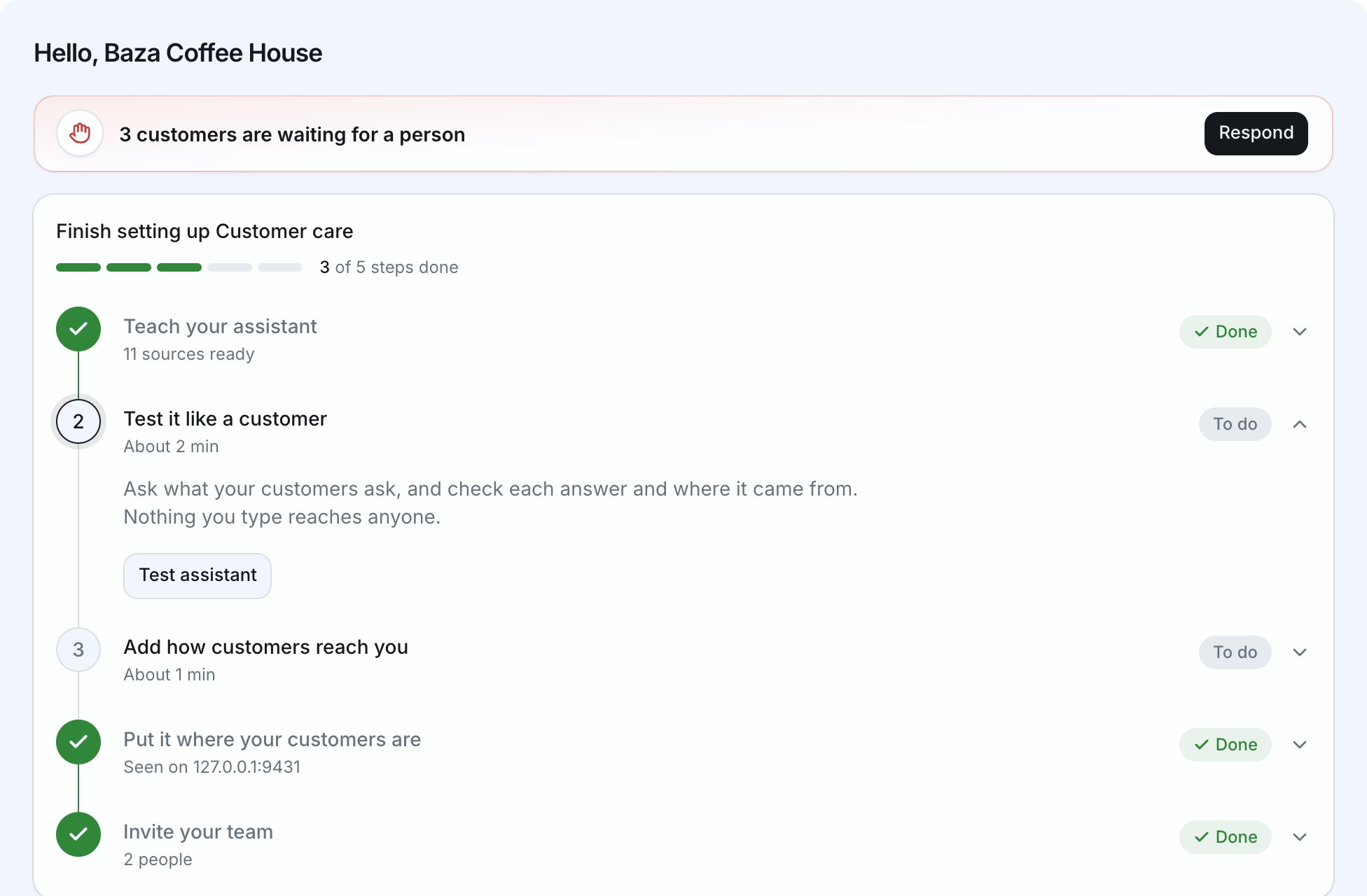
Choose where customers reach it
Your own chat page, a chat on your
website and WhatsApp.
5
Try it out
Ask it the questions your customers ask, and see how it answers.